Have you ever thought that your wrist could give your workout a boost? Your Apple Watch is more than just a clock. It helps track your heart rate, steps, and calories burned so you can see your progress clearly.
It turns a usual workout into a fun challenge with helpful reminders and bright data that motivates you with every move. With easy-to-read progress markers and friendly tips, your routine gets smarter and more rewarding. Next, you'll notice it leads you to feel healthier and more energized.
Apple Watch Fitness Tracking: Elevate Your Routine
Your Apple Watch is like a helpful friend that keeps each workout in view. It kicks off your exercise sessions with a handy Workout app and then sends all your data straight to the Fitness app on your iPhone. This makes it easy to see your progress and stay pumped up about your activity.
The Activity Rings are a fun way to watch your daily progress. One ring shows how many calories you've burned (Move), another indicates the minutes you’ve been active (Exercise), and a third gives you a friendly nudge to stand up every hour. Imagine finishing a refreshing jog and seeing those rings light up in celebration of your effort, it’s both fun and motivating.
Your watch also makes exercise feel super simple with automatic workout reminders. In your Settings under Workout, the Watch spots when you get active and even prompts you to start or stop a session. And when you hit a milestone, Siri might pop in with a quick “Great job, you're on track!” which adds an extra boost to your workout.
With watchOS 11, there's a cool new Training Load feature that shows you how hard you’ve worked by measuring the intensity and length of your routines. Plus, the Fitness app lets you compete with other Apple Watch users, turning your exercise into a friendly challenge that keeps you coming back for more.
Key Metrics in Apple Watch Fitness Tracking

The Apple Watch quietly tracks the data that matters most to you, fitting smoothly into your everyday routine. It gathers key metrics so you can tweak your workouts and recovery for a healthier life.
It uses a built-in optical heart sensor to keep an eye on your heartbeat. This sensor checks your heart rate and looks at heart rate variability, that means it notices small changes in your heartbeat, to give you real-time insights.
Your daily steps are recorded by a pedometer that counts every stride and neatly displays your total in the Fitness app.
Calorie tracking is simple too. The watch estimates how many calories you burn by blending your heart rate and movement data, offering an easy-to-read picture of your energy use.
It also measures your distance and elevation. GPS and a barometric altimeter track how far you go and the floors you climb, adding another check on your heart rate for a full view of your activity.
Plus, third-party apps like AutoSleep help round out your routine by tracking sleep and recovery. They add another layer by monitoring your heart rate, step count, and calorie burn, refining your overall fitness plan.
Together, these features give you a complete snapshot of your daily activity, guiding you toward smarter workouts and better recovery.
Apple Watch Fitness Tracking of Workout Sessions

Your Apple Watch makes tracking workouts a breeze. Simply swipe through the Workout app, choose an activity, and let its auto-detect reminders signal when to start or stop based on your movements. It’s almost like having a friendly nudge, imagine Siri saying, "You're at 1 mile; keep it up!", to update you on your pace, distance, and progress toward those rings.
This smooth setup mixes choosing an activity, auto-detection, and live voice feedback, all into one easy process. Whether you’re going for a run, hopping on your bike, or trying a custom exercise, your watch logs it all and gives you instant updates to keep you in the loop.
Training Load
Training Load, a feature from watchOS 11, looks at both how hard and how long you work out. You can check it in the Fitness app to see how much strain your exercise puts on your body. Think of it like watching a gauge that blends a quick heart rate spike with the steady rhythm of your run, giving you a clear picture of your effort.
Competition & Motivation
Friendly fitness challenges let you invite friends, compare your workout results, and see how others are doing, all right inside the Fitness app. This turns every workout into a chance to challenge yourself, with real-time data that encourages you to beat your last performance.
Syncing Apple Watch Fitness Tracking with iPhone and Apps

Your Apple Watch easily shares your workout data with your iPhone, so all your fitness details end up in the Fitness and Health apps. This means you can quickly see your daily activity summaries, look back at clear charts tracking your progress, and even pick a specific day from the calendar to review your stats. Plus, connecting to other apps lets you get extra insights and enjoy handy custom dashboards.
- Allow Health permissions on your iPhone so your watch data flows smoothly into the Fitness and Health apps.
- Download apps like Athlytic to check your metrics on easy-to-read dashboards.
- Turn on data sharing with nutrition tools such as Cronometer to see everything in one place.
- Set up sleep apps like AutoSleep to bring in your sleep quality data and logs.
- Connect strength-training apps like Stronglifts or Strong to bring your workout numbers together.
When all your data comes together, you get a clear, easy-to-understand view of your overall health. This merged dashboard helps you track trends and tweak your routine, so every step you take moves you closer to a healthier lifestyle.
Selecting the Right Apple Watch Model for Fitness Tracking

When picking an Apple Watch for tracking your fitness, it’s all about finding one that works with your daily lifestyle. Each model offers something special to help you meet your fitness goals while keeping battery life and recovery data in check. One user even shared, "Switching to a watch that perfectly fits my running routine made every stride count." That shows how a perfect match can really make a difference.
| Model | Starting Price | Battery Life | Key Fitness Features |
|---|---|---|---|
| Series 10 | $399 | 18h (up to 36h in low-power) | Larger, thinner screen; faster charging |
| Ultra 2 | Premium | 36h | Rugged casing; exclusive watch faces |
| Series 9 | From $399 (as low as $344 on sale) | 18h (up to 36h in low-power) | Upgraded sensors; great discount options |
| SE | Budget-friendly | 18h* | Simple design; lacks ECG and sleep apnea alerts |
If you’re a serious athlete needing strong tracking and lasting battery life, the Ultra 2 might be the best pick with its tough design and 36-hour endurance. Meanwhile, the Series 10 shines with its sleek look and speedy charging, perfect for your everyday workouts and recovery monitoring. The Series 9 offers a wallet-friendly option with high performance if you can catch it on sale. And if you’re budget-conscious or buying for a kid, the SE covers the basics while keeping the price low, even though it doesn’t include some advanced health features.
In the end, think about factors like build quality, band sizes, and connectivity to choose the watch that best fits your lifestyle and fitness journey.
Enhancing Apple Watch Fitness Tracking with Tips and Apps
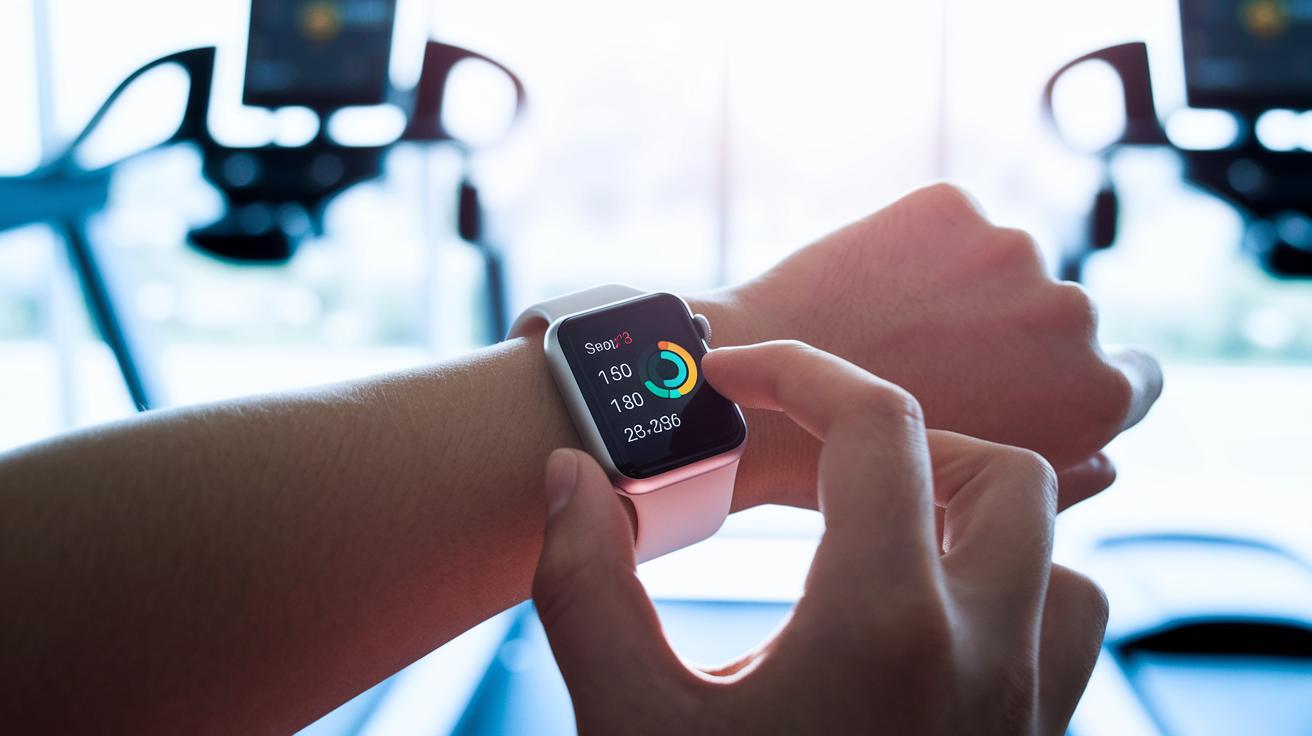
Your Apple Watch already tracks a lot of great data for you. With a few simple tweaks, you can make it even more in tune with your fitness goals.
- If you want to see your steps update in real time, try adding the Pedometer++ option to your watch face. I did it myself, and now I can easily check my step count as I move.
- You can get a clearer view of your diet by switching Cronometer to its detailed nutrient display. I adjusted my protein and carb goals, and it really helped me keep an eye on my progress.
- For those who enjoy weightlifting, apps like Strong or Stronglifts let you track more details like rep speed and rest periods. I turned on extra data in my workout app so I could see how fast I was doing my reps and how long I paused between sets.
- Customizing your notifications is another smart move. I set quiet hours in my app, so I know exactly when to expect alerts without any surprises during my workouts.
- Lastly, dive into the hidden settings of your apps to tweak how your progress is shown. Changing the graph to display week-by-week performance gave me a better view of my trends over time.
Final Words
In the action, the article showcased how apple watch fitness tracking provides clear insights for keeping active and monitoring health. It covered key features like the workout app, activity rings, voice updates, and training load, reminding us how each plays a part in our wellness routine.
We also looked at syncing data with the iPhone, comparing models, and using handy tips plus apps to boost our daily routines. Every bit of information helps us make practical decisions for a healthier lifestyle. Keep moving forward, and enjoy every step.

