
Ever thought your favorite recipe might hide more than just great taste? A recipe nutrition calculator breaks down your meal into simple bits like calories, proteins, fats, and carbs with just one click. It's like counting coins to see what each ingredient brings to the dish. This tool lets you easily spot where a little swap can make your meal healthier. Ready to look at your recipes in a whole new way?
Understanding How a Recipe Nutrition Calculator Works
A recipe nutrition calculator is an easy tool that breaks down any recipe into its parts. You simply copy your recipe, maybe a Sunflower Pesto Tabbouleh or a bowl of chili, and paste each ingredient into the box. Then, when you click the “Analyze Recipe” button, it figures out the calories, proteins, fats, and carbs for each ingredient and adds them up per serving. It’s like having a meal counter that shows you a clear comparison of all the key nutrients in a dish.
This tool is really user-friendly. It gives you instant details on calories and other nutrients along with making simple labels. That way, you can tweak your ingredients right away to see how things change. In short, it helps you understand every part of your meal so you can enjoy a well-balanced dish without all the extra hassle.
Using Your Recipe Nutrition Calculator: Ingredient Entry and Serving Setup

Ingredient Entry
Start by collecting all the ingredients from your recipe. Write them one by one, with each ingredient on its own line. For example, note "2 cups chopped tomatoes" on one line and "1 tbsp olive oil" on the next. This clear format helps the calculator match your ingredients with its data for a precise nutrient analysis. If it finds something unclear, it will point it out so you can update the wording. This way, you can easily see how each ingredient impacts the nutrition of your recipe.
Serving Adjustment
Before clicking the analyze button, set the number of servings for your recipe. There’s a field where you enter the number of servings, and adjusting this changes how the nutrition is calculated per serving. This lets you explore how serving sizes affect your meal, whether you want a lighter dish or a more filling option.
- Copy your full list of ingredients from your recipe.
- Paste them into the calculator’s text box.
- Check that each ingredient appears correctly (any unclear items will be highlighted).
- Enter the number of servings you desire.
- Click “Analyze Recipe” to see your nutrition breakdown.
Interpreting Calculator Results: Macro and Micronutrient Breakdown
When you use the recipe calculator, you'll get a detailed list showing the calories for each ingredient. It even adds them up for each serving. If something feels a bit fuzzy, like "1 lemon (juice)" or "curly parsley", it's marked in yellow so you can double-check the details. This way, you can tweak things if needed and keep the numbers accurate.
The clear breakdown shows exactly where your calories come from, making it really easy to follow your meal’s nutritional content. It’s like having a friendly guide that points out which food parts give you energy.
The output gives you a full snapshot of key nutrients. You'll see important details like protein, carbohydrates, and fat, plus extra bits like fiber, vitamins, and minerals. With this info, you can fine-tune your recipes to better match your health needs. Use the data to change ingredients or adjust servings as needed.
| Nutrient | Amount per Serving | % Daily Value |
|---|---|---|
| Calories | ||
| Protein | ||
| Carbohydrates | ||
| Fat | ||
| Fiber | ||
| Vitamin C | ||
| Iron |
Example Calculations with the Recipe Nutrition Calculator
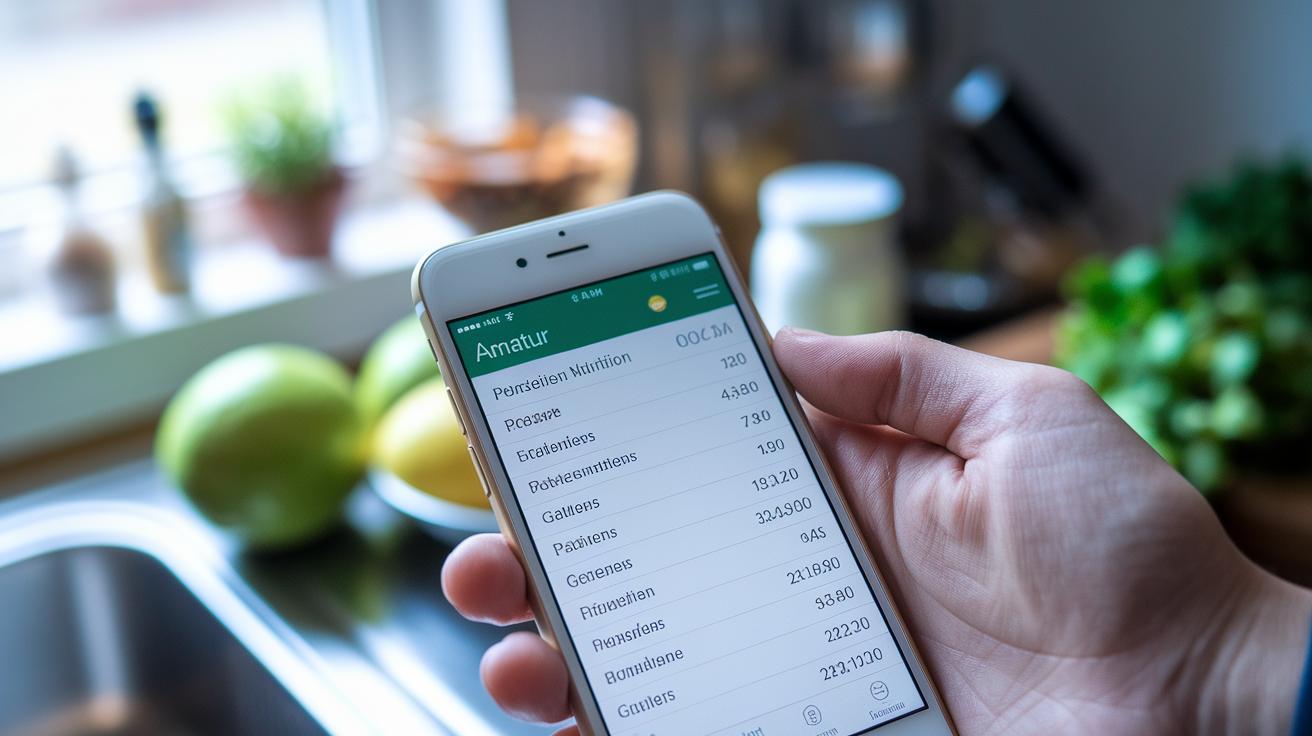
Let’s walk through how you can use the Recipe Nutrition Calculator with a classic beef chili. First, gather your ingredients: "1 lb ground beef", "2 cups diced tomatoes", "1 can kidney beans", "1 chopped bell pepper" and "a mix of spices". Write each item on its own line in the calculator. Next, set the serving count to 6. Then, when you click "Analyze Recipe", the tool figures out the nutrition for each serving. For example, one serving might have about 350 calories, 25 grams of protein, 18 grams of carbohydrates, 14 grams of fat, and a good bit of fiber. This way, you can see what each ingredient adds to the full dish and decide if you want to tweak your recipe or enjoy it just as it is.
Now, consider a homemade spaghetti recipe. List out your ingredients such as "200g spaghetti", "1 cup tomato sauce", "0.5 lb lean ground beef", "1 tbsp olive oil" and "a sprinkle of herbs" on separate lines. Set it for 4 servings, and the tool will calculate the nutrition for every serving. After you run the analysis, you might see numbers like 400 calories per serving, 22 grams of protein, 50 grams of carbohydrates, 10 grams of fat, and a fair amount of fiber. This breakdown not only tells you the calorie count but also highlights all the key nutrients in your dish.
Tips for Healthier Recipe Adjustments Using Your Nutrition Calculator
When you use the recipe nutrition calculator, you can try different ingredient swaps and portion changes to make your meals healthier. It quickly shows you how changing one ingredient can shift the calories, fats, or fiber. For example, you might swap full-fat cheese for a low-fat version, or trade white rice for quinoa to add extra nutrients. This tool gives you immediate feedback so you can adjust your meals to lower calories, add more protein, or boost fiber, all in a friendly, simple way.
Try replacing high-calorie ingredients with lighter picks, like using low-fat dairy instead of full-fat cheese.
Try swapping refined grains for whole grains; think quinoa instead of white rice to bring in more fiber and protein.
Try varying your serving sizes to better handle calorie counts and balance your nutrients.
Play around with these ingredient changes and serving tweaks to keep your recipes tasty and nutritious, using the calculator as your helpful guide.
Advanced Output Options: Nutrition Labels and Report Exports
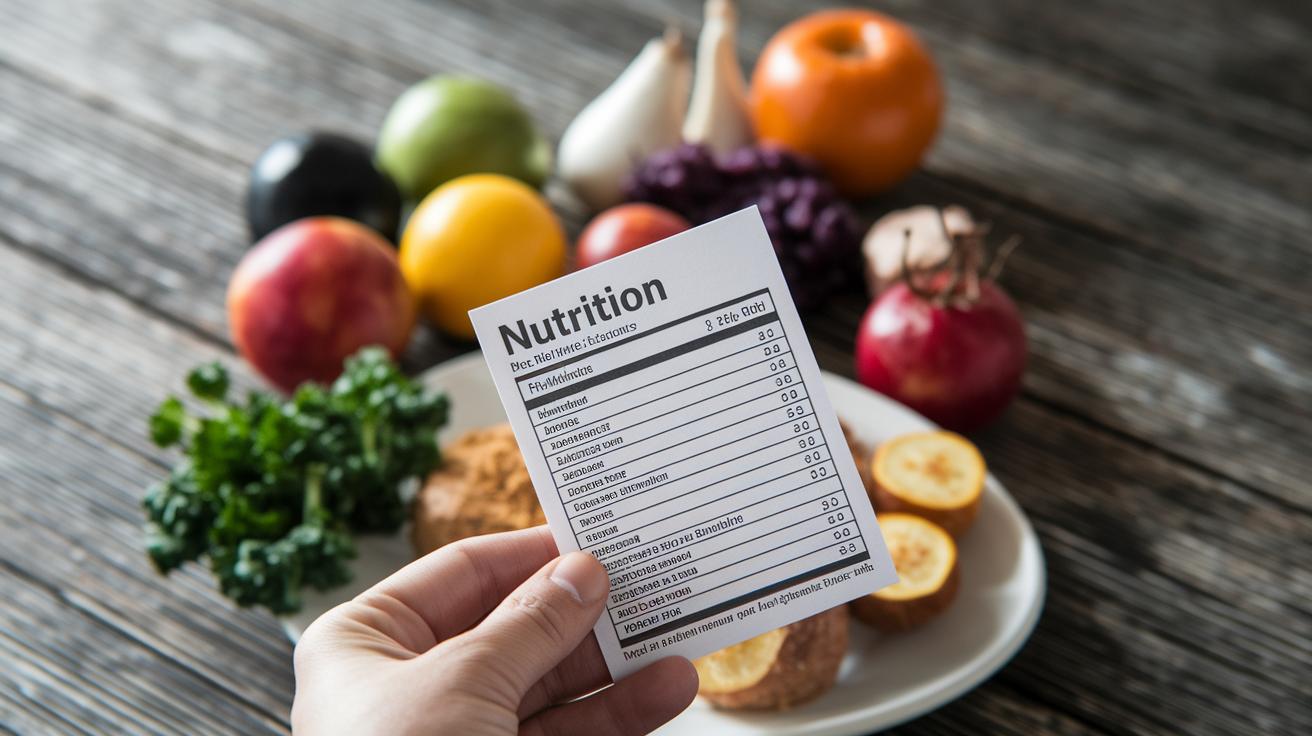
Today’s recipe nutrition calculators do more than just show numbers on your screen. They also let you print out clear labels that list calories, protein, carbs, fats, and other key nutrients per serving, almost like a handy, professionally designed recipe card for your kitchen. Imagine tapping a button and getting a neatly formatted label that you can attach to your homemade meals. Many tools even let you customize the look so your dishes always shine.
If you need detailed documentation, these calculators often offer advanced report exports too. With one simple click, you can generate a full PDF report that summarizes all the nutritional facts, perfect for sharing or using on packaging. This feature is especially handy for recipe creators and small food businesses that need FDA-approved labels. While the free version covers basic details, premium options usually add extra customization and improved layout. Imagine clicking that export button and instantly getting a detailed, professional nutrition report for personal use or your business.
Final Words
In the action, we explored how a recipe nutrition calculator makes reading and understanding nutrition facts clear and simple. We walked through entering ingredients, setting servings, and viewing detailed nutrient breakdowns like calories and protein. The examples using chili and pasta showed how small tweaks lead to healthier recipes. This tool is a smart way to check data, adjust portions, and boost daily wellness. Using a recipe nutrition calculator can help make meal choices that support your best health.
FAQ
Q: What is a free recipe nutrition calculator?
A: A free recipe nutrition calculator lets you quickly compute calories and nutrients from your recipe’s ingredients. It provides clear per-serving details so you can easily make healthier cooking choices.
Q: What makes the best recipe nutrition calculator?
A: The best recipe nutrition calculator offers accurate analysis, user-friendly input methods, and instant nutrition labels, so you can quickly adjust portions and view comprehensive nutrient data for your meals.
Q: How does a recipe nutrition calculator app work?
A: A recipe nutrition calculator app works by letting you paste your ingredient list, set the number of servings, and then automatically breaking down calories and key nutrients, making meal planning straightforward.
Q: How does a USDA recipe nutrition calculator compare to MyFitnessPal’s version?
A: A USDA recipe nutrition calculator uses standardized government nutrient data to ensure precision, while MyFitnessPal’s version combines user inputs with personalized tracking features for everyday meal monitoring.
Q: What is a recipe calculator used for?
A: A recipe calculator is used to analyze recipes by breaking them down into per-serving nutritional values. It helps you understand the impact of each ingredient and supports better portion planning.

